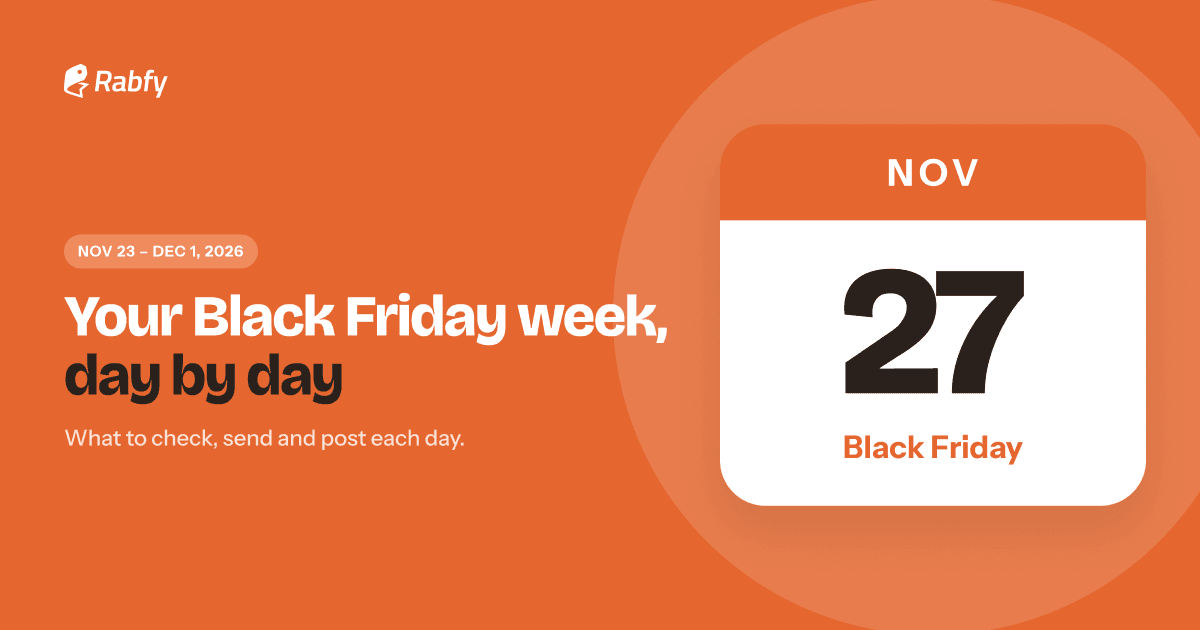
Black Friday is not one day any more. For a small store it is nine days of emails, posts, orders and customer messages, from the Monday before Thanksgiving to Giving Tuesday. A clear Black Friday week plan tells you what to do each day, so you make fewer decisions when you are tired.
This guide covers Monday, November 23 to Tuesday, December 1, 2026. For each day you get three things: what to check, what to send and what to post. You also get a routine for busy order days and a list of things not to change once the week starts.
It is written for small sellers on Shopify, Etsy, Amazon or eBay, often with print-on-demand products such as personalized jewelry. If you still need to build your offer, start with the Black Friday and Cyber Monday checklist, then come back here.
Key takeaways

Finish your offer, discount codes and email copy by Tuesday, Nov 24. After that, you only run the plan.
Thanksgiving (Thu, Nov 26) is a carrier holiday. Send early access to your email list and keep the day light.
On Black Friday, use fixed check-ins (morning, midday, evening) instead of watching your dashboard all day.
Protect fulfillment first: keep your Rabfy Wallet topped up and quote production as 1–3 days plus shipping time.
From Wednesday to Cyber Monday, fix only what is broken. New ideas go on a list for next year.
Your cyber week plan at a glance
The week has three phases. Monday to Wednesday is preparation: final checks, scheduling and teasers. Thursday to Monday is selling: early access, Black Friday, Small Business Saturday and Cyber Monday. Tuesday is the reset: thank customers, review your numbers and plan December.
Preparation days are for thinking. Selling days are for following the list. If you rewrite your offer on Friday morning, you are doing Monday's work on the busiest day of the year.

Monday to Wednesday (Nov 23–25): final checks and teasers
Monday, Nov 23: the final store check
Place one test order on your own store, on your phone, using the discount code. Confirm that the price, shipping rate, tax and confirmation email all look right. Then open your best sellers: do the personalization fields work, do the photos load, is the delivery note easy to see?
If you sell with Rabfy on Shopify, confirm that every variant in your offer is mapped to a Rabfy product. Mapping is done once per variant, and it is what lets new orders import automatically. A bundle or gift set you created last week is easy to miss.

Tuesday, Nov 24: write and schedule everything
Today you finish all the writing. Schedule every email from Wednesday to Cyber Monday and write the social post for each day. For templates, use our Black Friday email marketing guide.
Set start and end dates on your discount so it turns on and off without you. As of 2026, Shopify lets you set a start date and an optional end date in the "Active dates" section of a discount.
Also save reply templates for the questions you will get most: When will it arrive? Can I change my personalization? Is the discount still active? Our customer service templates give you a starting point.
Wednesday, Nov 25: teaser and wallet
Send a short teaser email and post the same message on social: what the offer is, when it starts and who gets early access.
Then top up your Rabfy Wallet. Each order's product and shipping cost is paid from the wallet, so the balance should cover a busy weekend. A simple rule is to hold enough for three to four days of expected orders. To estimate that number, see how to forecast holiday sales.
Thanksgiving Thursday (Nov 26): early access, then rest
Thanksgiving is a quiet work day with one job: early access for your email list. Subscribers already know your store, so let them buy first. The email is already scheduled. Today you only confirm that it went out and that the code works.
Thanksgiving Day is also a US postal holiday. At the time of writing, USPS does not deliver regular mail that day, and UPS and FedEx also pause normal delivery. Confirm on each carrier's official holiday schedule, and do not tell a customer that Wednesday night's order will be moving on Thursday.
Post one warm thank-you on social. Then stop working. You will need the energy on Friday.
Black Friday (Nov 27): launch, then watch
Your emails are scheduled and your discount turns on by itself. So your job on Black Friday is not to create. It is to watch three things: orders, messages and money.
Use fixed check-ins instead of refreshing your dashboard all day. Constant watching leads to nervous changes, and nervous changes break things.

At midday, look for personalization problems, such as a missing name or an unusual spelling. In the evening, write down five things: visitors, orders, revenue, ad spend and your top-selling product.
Black Friday weekend to Giving Tuesday (Nov 28–Dec 1)
Friday gets the attention, but the next four days let a small store keep selling without new work, as long as each day has one clear message.
Saturday, Nov 28: Small Business Saturday
American Express started Small Business Saturday in 2010 to encourage people to shop with small businesses on the Saturday after Thanksgiving. It is your day to be personal. Tell your story in a short email and post: who is behind the store and why you chose these products. You do not need a bigger discount. You need a reason to buy from you.
Sunday, Nov 29: a quiet catch-up day
Do not send a campaign today. Clear your message inbox, check that Friday's orders are in production and confirm that Monday's emails are ready. One reminder post on social is enough.
Monday, Nov 30: Cyber Monday
Cyber Monday is your last-chance day. Send one email in the morning and a short "ends tonight" reminder in the evening, only to people who have not ordered. Keep the same offer. The only new element is the deadline.
When the sale ends, let it end. If you extend a sale after saying "ends tonight", customers learn not to believe your deadlines.
Tuesday, Dec 1: Giving Tuesday and the reset
Giving Tuesday has been held on the Tuesday after Thanksgiving since 2012. It is about generosity, not discounts. A thank-you email to everyone who ordered is a good fit. If you support a cause, say so plainly.
Then do a 30-minute review: add up your log, list what broke and note your best seller. Look ahead to Christmas shipping too. At the time of writing, USPS recommends sending by December 17 (Ground Advantage, First-Class Mail), December 18 (Priority Mail) or December 19 (Priority Mail Express) for delivery by December 25 in the contiguous US. Confirm on the official USPS page and read our guide to holiday shipping cutoff dates.
Finally, plan how to bring new buyers back with our guide to customer retention after Black Friday.
BFCM day by day: what to send and post
Here is the whole communication plan in one table. One email a day is enough for a small list. Two is the limit, and only on Black Friday and Cyber Monday. Each social post repeats that day's email, so you write once and use it twice.

How to handle order volume and customer messages
More orders should not mean more manual work. Decide now how each order moves from your store to production.
Orders
 Shopify: with Rabfy connected, new orders import automatically with no duplicates, and tracking is sent back to your store. Your job is to scan for personalization errors.
- Etsy, Amazon and eBay: these channels are not connected automatically. Place each sale as a custom order in your Rabfy dashboard, in two fixed batches a day, so no order is forgotten.
- Wallet: check the balance every morning and evening, and top up before it runs low.
- Personalization: if a name or date looks wrong, message the customer the same day. A quick question costs less than a remake.
Customer messages
Set two message times a day and tell customers what to expect. An auto-reply such as "We reply within 24 hours during Black Friday week" lowers the pressure on both sides. Use your saved templates, and give a production time and a shipping method, not a promised delivery date.
Sort messages into three groups. Pre-sale questions come first, because those shoppers are waiting to buy. Order changes come second, because production starts quickly. General questions come last.
What not to change mid-week
From Wednesday, Nov 25 to the end of Cyber Monday, treat your store as frozen. The riskiest moment is a "quick improvement" late on Thursday night.
| Do not change | Why | What you can do |
|---|---|---|
| Prices and discount rules | Customers compare your email with the checkout | Fix a code that fails |
| Theme, apps and checkout | A small edit can break the cart without warning | Save ideas for December |
| Variants and product options | A new variant needs mapping before it can be fulfilled | Mark an item as sold out |
| Shipping rates and policies | New terms after people ordered cause disputes | Add a clear note |
If something does break, change one thing, test it with a real checkout on your phone and note it in your log.
Black Friday week plan: FAQ
When should a small store start its Black Friday sale?
There is no single right day. A practical plan is early access for email subscribers on Thanksgiving (Thursday, Nov 26, 2026), then a public sale from Black Friday morning to the end of Cyber Monday.
How many emails should I send during Black Friday week?
For a small list, eight across the week is enough: a teaser, early access, two on Black Friday, a Saturday story, two on Cyber Monday and a thank-you on Tuesday. Send reminders only to people who have not ordered.
Should I use the same offer for Black Friday and Cyber Monday?
Yes, in most cases. One offer for the whole weekend is easier to explain, easier to fulfill and fairer to early buyers. On Cyber Monday, change the message to "last day", not the discount.
What should I do if I get more orders than I expected?
Keep the routine. Top up your wallet, place custom orders in two batches a day and update the delivery note on your product pages if needed. With Rabfy, production takes 1–3 days. Tell customers that, plus tracked shipping time, and do not promise an exact date.
Make Black Friday week the calm week
Connect your Shopify store in a few clicks and top up your wallet once. Rabfy produces each order in 1–3 days and sends tracking back to your store. Free account, no subscription.
Start selling free