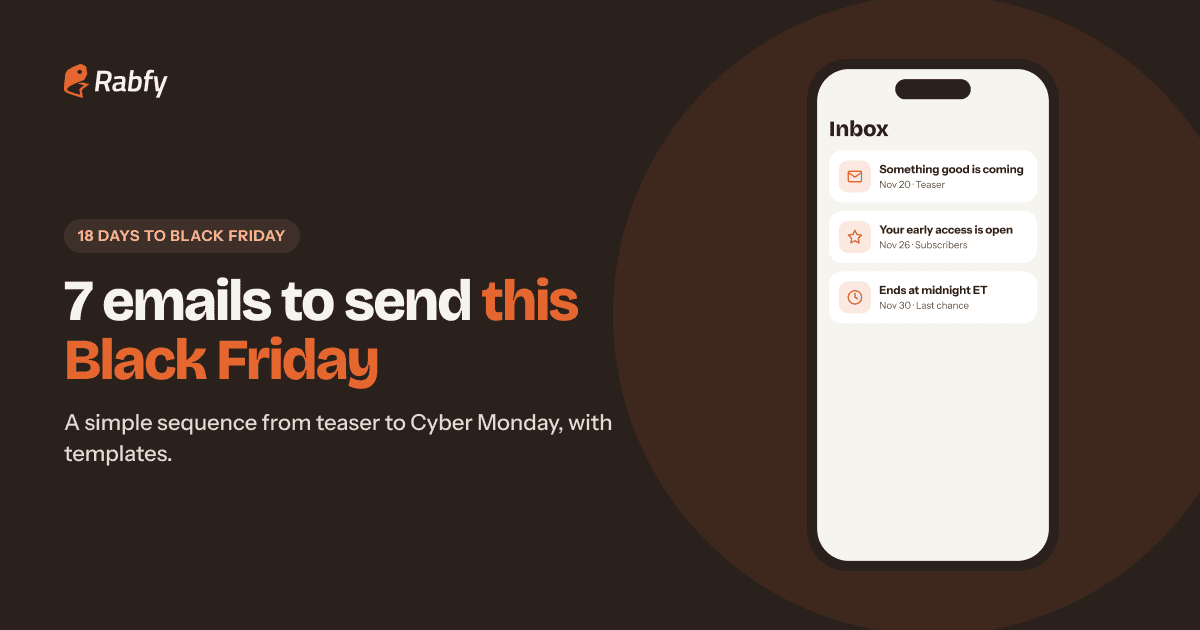
Email is still one of the best tools a small store has during Cyber Week. You own your list, you do not pay per click, and your subscribers already like your brand. This Black Friday email marketing plan gives you seven emails to send between November 20 and November 30, 2026, with dates, subject lines and short templates you can copy.
Black Friday is 18 days away, so this week is the right time to write. You do not need a fancy tool or a designer. Short, clear, friendly emails work well. Write all seven now, schedule them, and you will have one less thing to worry about during your busiest days.
Key takeaways

Send a sequence, not one blast: teaser, gift guide, early access, launch, weekend, Cyber Monday and last chance.
Give each email one job and one button.
Put the offer and the end time (with time zone) in the subject line or the first line.
Only email people who signed up, include your postal address and make unsubscribing easy.
Write and schedule everything this week, then test each email on your phone.
Why a Black Friday email sequence beats one big blast
Most people will not buy from the first email they see. They are busy, they are comparing gifts, and their inbox is full of offers. A sequence gives them several good reasons to come back, at the moments they are most ready to buy.
Each email in the sequence has a different job. The teaser builds interest. The gift guide helps people choose. Early access rewards your subscribers. The launch and reminder emails create honest urgency. Together they tell one simple story: here is our offer, here is why it makes a great gift, and here is when it ends.
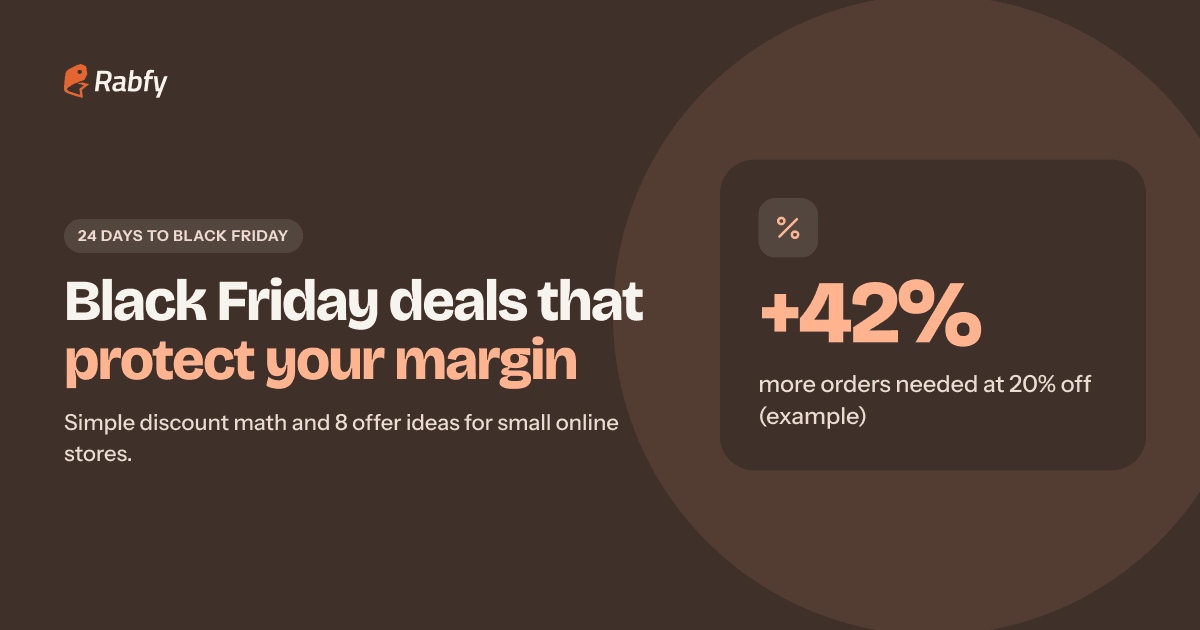
Decide your offer before you write. Our guide to Black Friday deal ideas for small business helps you choose one that protects your margin. If you have not planned the rest of November yet, start with our holiday marketing plan for small business.
Your holiday email sequence at a glance

Times are suggestions. If you have past data, send when your subscribers usually open. If not, morning in your main customers' time zone is a safe start. Remember that US daylight saving time ended on November 1, so check the time zone in your email tool.
Before Black Friday: emails 1–3
Email 1: The teaser (Fri, Nov 20)
Goal: tell subscribers something is coming and when. No discount code yet.
Email 2: The gift guide (Sun, Nov 22)
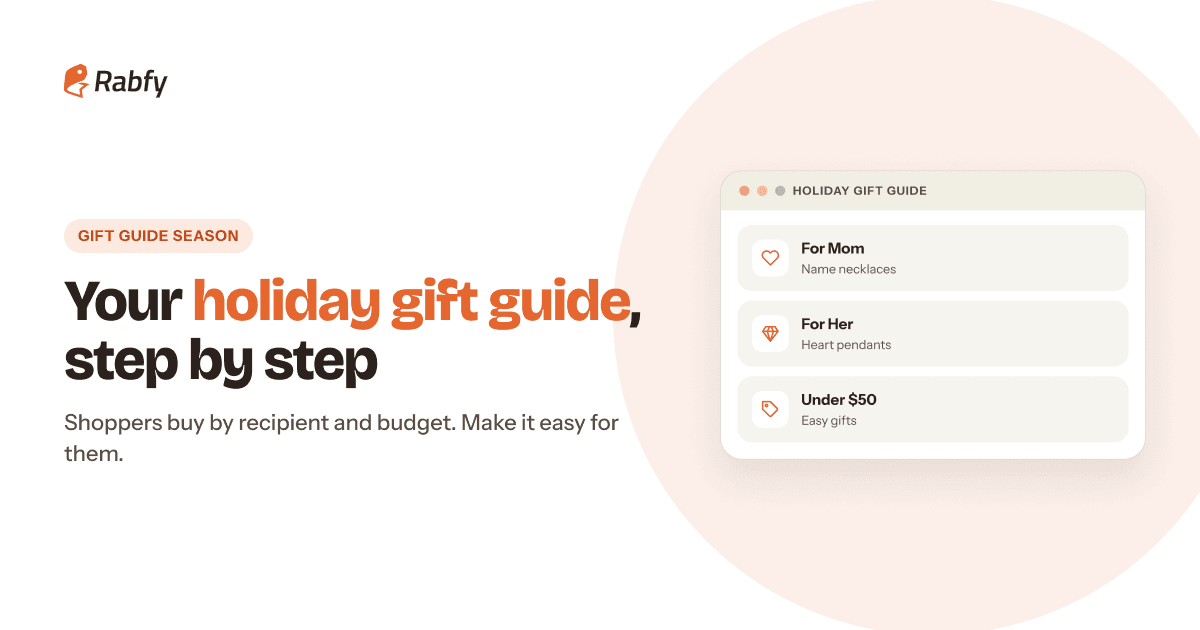
Goal: help people choose before the sale starts. Send your gift guide, organized by recipient and budget. Our guide to building a holiday gift guide shows how.
Email 3: Early access (Thu, Nov 26, evening)
Goal: reward subscribers and get the first orders in. It is Thanksgiving, so keep it short and warm.
Black Friday weekend: emails 4–5
Email 4: Black Friday is live (Fri, Nov 27, morning)
Goal: announce the offer clearly. The offer, the end time and one button. Nothing else.
Email 5: Small Business Saturday (Sat, Nov 28)
Goal: remind people with a human story, not just a price.
Cyber Monday: emails 6–7
Email 6: Cyber Monday (Mon, Nov 30, morning)
Goal: bring back people who browsed over the weekend but did not buy.
Email 7: Last chance (Mon, Nov 30, evening)
Goal: a short, honest final reminder a few hours before the end.
Black Friday subject lines and what to measure
Your subject line decides whether the email gets opened. Keep it short, clear and honest. Say what is inside, and never promise something the email does not deliver.

After each email, check three numbers: opens, clicks and orders. Compare your emails with each other, not with other brands. Open rates are less exact than they used to be, because some email apps load emails automatically, so give clicks and orders more weight.

If opens are low, work on the subject line and sender name. If clicks are low, make the offer and button clearer. If clicks are high but orders are low, fix the page the email links to. To grow your list in time, offer early access in exchange for an email address on your homepage and in your social posts.
Email rules: CAN-SPAM, CASL and inbox requirements
Black Friday emails are commercial messages, so the law applies. In the US, the FTC's CAN-SPAM compliance guide lists the basics, including these:
 Use accurate 'From' and 'Reply-To' details that identify your business.
- Write subject lines that reflect what is in the email.
- Identify the message as an advertisement in a clear way.
- Include your valid physical postal address.
- Explain how to opt out, and honor opt-out requests within 10 business days.
According to the FTC, each separate email that breaks the law can bring penalties of up to $53,088, so take these basics seriously. If you email customers in Canada, Canada's anti-spam law (CASL) generally requires consent before you send, plus clear sender details and a working unsubscribe link, with requests processed within 10 business days.
Inbox providers have rules too. Gmail asks all senders to set up SPF or DKIM authentication and keep spam rates below 0.3%. Senders of 5,000 or more messages a day to Gmail accounts also need DMARC and one-click unsubscribe. Most email tools handle much of this, but check your domain settings before the rush.

Frequently asked questions
How many emails should I send for Black Friday?
For a small store, 5–7 emails between the week before Black Friday and Cyber Monday is a common plan. Give each one a clear job. If you see many unsubscribes, send fewer.
When should I send Black Friday emails in 2026?
Start with a teaser around November 20, send early access on Thanksgiving evening (November 26), launch on Black Friday morning (November 27) and finish with Cyber Monday reminders on November 30.
What should a Cyber Monday email say?
Keep it short: the offer, the exact end time with the time zone, and one button. Remind shoppers who browsed over the weekend that this is the last day.
Do I need permission to send Black Friday emails?
In the US, CAN-SPAM focuses on honest content and an easy opt-out. In Canada, CASL generally requires consent before you send. The safest habit everywhere is to email only people who signed up.
Can I email people who unsubscribed?
No. Once someone opts out, stop sending them marketing emails. CAN-SPAM requires you to honor opt-out requests within 10 business days.
Your emails sell. We handle the orders.
Connect your Shopify store to Rabfy in a few clicks, and every new order imports automatically, is made in 1–3 days and ships tracked. It is free to start.
Start selling free