Customer Service Email Templates for Ecommerce Sellers (Copy & Paste)
RT
Rabfy Team · 8 min read
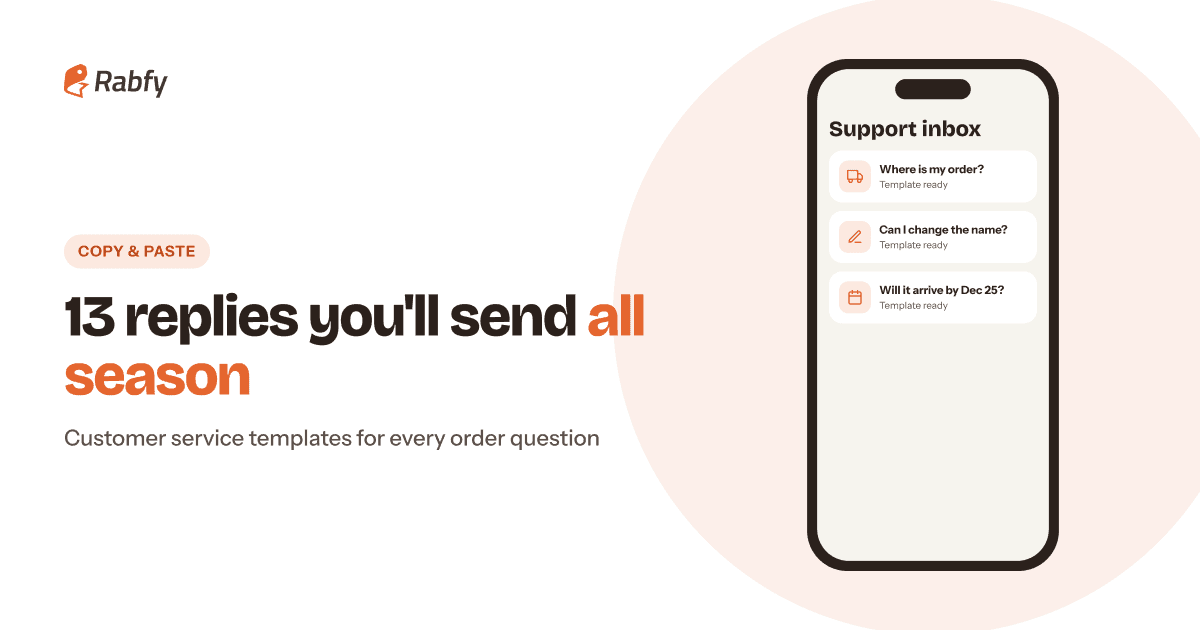
Good customer service email templates for ecommerce save you hours every week, and they keep every reply calm, clear and consistent — even on your busiest day in December. Below are 13 copy-and-paste templates for the messages online sellers send most: "where is my order" replies, personalization checks, delay notices, wrong items, returns, cancellations and review requests. Replace the [brackets], keep the structure, and save them in your inbox today.
Key takeaways
Save these replies before Q4 gets busy, and edit the [brackets] for each customer.
Every reply should answer first, give a next step and promise only what you control.
If an order will ship late, tell the customer early and offer the option to cancel.
Ask for honest reviews only — never offer anything in exchange.
How to use these ecommerce support templates
A template is a starting point, not a robot reply. Customers can tell when a message was pasted without reading their question. Always add their name, their order number and one sentence that shows you understood the problem.
Follow three rules in every reply: answer first, give the next step, and promise only what you control. You control your production time; you don't control the carrier's truck. So say "production takes 1–3 days," but never "it will arrive tomorrow."
Comparison of a weak and a strong customer service reply: the strong reply thanks the customer by name, shares status and tracking, gives a next step and avoids promises outside your control.
Templates before the order ships
1. Personalization confirmation
Use it right after a personalized order, especially for long names, special characters or dates.
"Where is my order?" is one of the most common questions in e-commerce. Keep two versions ready — one for orders still in production and one for orders already shipped — plus a reply for tracking that seems stuck.
4. Order still in production
5. Order shipped and in transit
Example saved reply for a "Where is my order?" email: greet the customer, confirm the ship date with a tracking link, share the carrier status and explain the next step.
6. Tracking has not updated
Delay notice template (and the rule behind it)
Delays happen: a carrier backlog, bad weather, a supply problem. What matters is how fast and how honestly you tell the customer.
7. Shipping delay notice
Templates for when something goes wrong
Own the mistake in the first line, then move straight to the fix. Customers forgive errors much more easily than slow or defensive replies.
Templates work best inside a routine. Match each template to a stage of the order, so you know what to send and when.
Order journey showing which customer service template to send at each stage: personalization confirmation at order, status and delay replies in production, tracking replies after shipping, and review requests after delivery.
Save them as saved replies in your email or store inbox. Gmail templates, Shopify Inbox and Etsy saved replies all work.
Set a reply target, such as within 24 hours — and faster in December.
Tag each message by type (order status, personalization, return) and review the tags every week.
Fix the cause. If many people ask where their order is, add production and shipping times to your listings and order emails.
Five rules for every customer service reply: use the customer name, answer first, give the next step, promise only what you control and reply within 24 hours.
Shipping speed also shapes your inbox: the longer an order takes, the more "where is my order?" messages you get. That's one reason many sellers choose US-based fulfillment over long overseas shipping. If you are new to made-to-order products, start with our print on demand jewelry guide.
Customer service template FAQ
What should I reply when a customer asks "where is my order?"
Thank them, give the current status (in production or shipped), share the tracking link and say what you will do if tracking doesn't move. Templates 4–6 above cover each case.
How fast should I reply to customer emails?
Aim for within 24 hours, and faster during Q4. Some marketplaces measure how quickly sellers respond, so check each platform's rules.
Can I use the same templates on Amazon, Etsy and Shopify?
Mostly, yes. But each platform has its own messaging rules — Amazon, for example, limits the kinds of messages sellers can send to buyers — so check before you send.
How do I handle a return request for a personalized item?
Follow your published return policy, stay kind, and offer a replacement if there is a quality problem or an error on your side. Template 10 shows the wording.
Should I offer a discount after a mistake?
Fix the problem first with a replacement or refund. A small discount code on a future order can be a nice extra, but it never replaces the fix.
Fewer support emails start with faster fulfillment
Rabfy makes personalized jewelry in 1–3 days, ships every order with tracking and sends tracking to your Shopify store automatically. Free to start — pay only when you get an order.


 Save them as saved replies in your email or store inbox. Gmail templates, Shopify Inbox and Etsy saved replies all work.