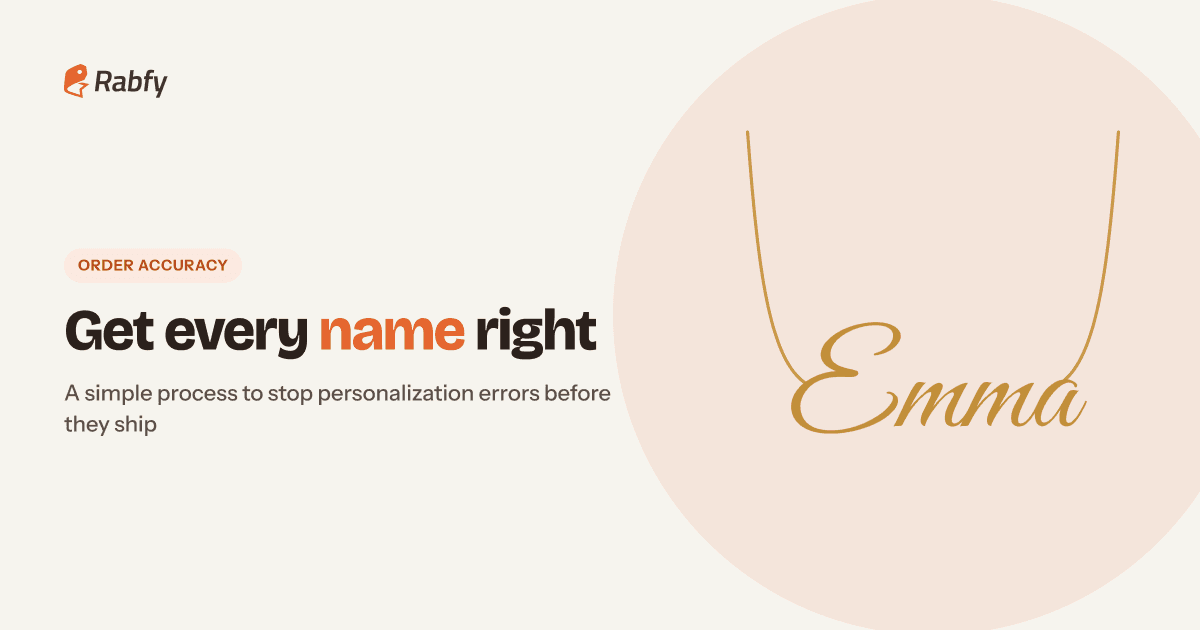
A wrong name on a necklace is not a small problem. The gift cannot be resold, the buyer is upset, and in Q4 there may be no time to remake it before the holiday. The good news: most personalized order mistakes are preventable. They come from a few predictable places, and a simple process closes each one. This guide shows you how to design better fields, confirm details, proofread every order and handle errors when they still happen.
Key takeaways

Most errors start in one of three places: an unclear field, a buyer typo or a copying mistake.
Ask for one piece of information per field, with an example and a character limit.
Confirm unusual spellings quickly, and copy and paste text instead of retyping it.
When an error happens, find the cause, reply fast, fix it fairly and update your process.
Where personalized order mistakes come from
Before you fix the problem, name it. When you look at your past errors, almost all of them fit into one of these groups:
| Source | Example | Best fix |
|---|---|---|
| Unclear field | Buyer types "Emma and Jake 2019" in one box | One field per detail, with an example |
| Buyer typo | "Emmma" or "Jkae" | Preview and confirmation message |
| Copying error | Seller retypes "Ema" into the order form | Copy and paste, then read aloud |
| Format confusion | 05/06/2021: May 6 or June 5? | Ask for the date in words |
| Wrong option | Silver chosen, gold wanted | Clear option names and photos |
| Late changes | Buyer messages a new name after ordering | Check messages before you submit |
Notice that only one of these is fully the buyer's fault. The rest can be reduced by how you set up your listing and how you handle each order. That is where custom order accuracy is won or lost.
Design a personalization field buyers cannot misread
A personalization field is the box where the buyer types the name, date or message. Most errors begin here, because the field asks for too much or explains too little. Follow these rules:
 One detail per field. Ask for "Name 1" and "Name 2" separately, not "names and date" in one box.
- Show an example. "Example: Emma" tells the buyer exactly what format you expect.
- Say how it will look. "We engrave exactly as typed, including capital letters."
- Ask for dates in words. "June 5, 2021" cannot be misread. In the US, 05/06 usually means May 6, but many buyers outside the US read it as June 5.
- List what is not possible. Emoji, some symbols or accented letters may not be supported. Check with your production partner and state it clearly.

Instructions you can copy
Here is a sample instruction for a name necklace. Change it to fit your product: "Enter the name exactly as you want it, with capital letters where you want them. Max 10 characters. Example: Emma. Please double-check spelling. We make your item exactly as typed."
If you sell on Etsy, the listing editor lets you add personalization instructions and set a character limit for what buyers can type. For more Etsy setup tips, see our guide on how to sell on Etsy without inventory.
Tricky inputs to plan for
Some text causes problems again and again. Decide in advance how you will handle each case, and say it in your instructions:
- Apostrophes and hyphens: names like O'Brien or Mary-Jane. Check that your product can show them.
- Several names on one piece: ask for the order you want them in, such as "Mom, then kids by age".
- Roman numerals: ask for the normal date too, and check the conversion yourself.
- Coordinates and numbers: ask the buyer to paste them exactly, and check every digit.
- All capitals: if a buyer types EMMA, make it EMMA. Do not "fix" it unless they ask.
Set character limits that match the product
A character limit is not only about space. It protects the design. A 14-letter name on a small pendant can become too small to read, or it may not fit at all.
- 1Find the real limit. Ask your production partner, or test the longest name you expect.
- 2Set the field limit to match. If the product fits 10 characters, the field should allow 10, not 30.
- 3Count spaces and symbols. "Mom & Dad" is 9 characters, including spaces.
- 4Show the limit near the field, not only in the description.
On Shopify, personalization is usually collected with a product field from your theme or an app. Check that it can enforce a maximum length, and test it on a phone before Q4.
Show a preview before the buyer pays
People catch mistakes when they see them. A buyer who types "Emmma" may not notice. A buyer who sees "Emmma" on a pendant image usually will.
If you have a live preview tool, use it. If not, you can still help buyers picture the result:
- Show examples of short and long names on the product, so buyers see how size changes.
- Show each font or style option with the same sample name.
- Add a "check your spelling" line right above the add-to-cart button.
Send a quick confirmation message
For names with unusual spellings, very long text, or anything that looks like a typo, send a short message right after the order. Keep it friendly and simple:
Two rules make this work. First, state the deadline in your listing too, so buyers know it exists. Second, keep the deadline short. With production times of 1–3 days, a long wait can delay the whole order. Save this message with your other customer service templates so you can send it in seconds.
Proofread every order: the 60-second check
Most engraving errors made by sellers happen in the last step: moving the text from the sales channel into production. Use the same short check for every order, every time.

Copy and paste, never retype
Retyping is where good sellers make bad mistakes, especially when you are tired or working through 50 orders in one night. Copy the text from the order, paste it into the production form, then read it aloud letter by letter.
Build a simple order-check routine for Q4
In a busy season, a good habit matters more than a good intention. Set a routine and follow it even on your busiest day:
- Check orders at fixed times, for example at 10 AM and 6 PM, not randomly all day.
- Read buyer messages first, then place orders. Late changes usually arrive as messages.
- Use a second pair of eyes for high-value or complex orders if you have a team.
- Keep a simple error log with the date, order, error and cause.

What to do when an error still happens
Even with a good process, mistakes will happen sometimes. How you respond decides whether you keep the customer. Follow the same four steps:

- If it was your mistake: remake it at your cost, as fast as you can, and say sorry clearly. Do not ask the buyer to prove anything.
- If the buyer typed it wrong: show them the text they entered, kindly. Many sellers still offer a discounted remake, especially before a holiday.
- If the cause is not clear: give the buyer the benefit of the doubt when the cost is small. A kind fix often earns a better review than a perfect order.
Write these rules into your policy before Q4, so you are not deciding under pressure. Our guide to a fair return policy for personalized products includes a template you can adapt.
Personalized products are one of the best ways to build a brand without holding stock. If you are just starting out, our print on demand jewelry guide covers the full model, from products to pricing.
Frequently asked questions
What causes most personalized order mistakes?
Most come from unclear personalization fields, buyer typos and sellers retyping text by hand. Clear fields, previews and copy-and-paste habits prevent most of them.
How do I prevent engraving errors?
Ask for one detail per field, show an example, set a character limit that matches the product, and proofread the pasted text before you submit the order.
Should I message every buyer to confirm personalization?
No. Message only orders that look unusual, such as rare spellings or very long text. Give a short reply deadline and say you will make it exactly as written if they do not reply.
Who pays when the buyer made a spelling mistake?
It depends on your policy. Many sellers offer a discounted remake. Write your rule down before Q4 so every case is handled the same way.
How should customers enter dates for engraving?
Ask them to write the date in words, such as "June 5, 2021". Number-only dates can be read in different ways.
Personalized jewelry, made with care
Rabfy produces personalized necklaces and bracelets in 1–3 days, with a quality check on every order and tracking on every shipment. It is free to start. Create your account.
Start selling free