Black Friday traffic is expensive. Whether you pay for ads or spend hours on social media, every visitor who leaves without buying is lost effort. The good news: you can increase ecommerce conversion rate with small fixes that take minutes, not a full redesign. This guide gives you 10 of them to finish before Black Friday on Nov 27.
Conversion rate is the share of visitors who buy. If 1,000 people visit and 15 place an order, your conversion rate is 1.5%. You do not need to know the "right" number for your niche. You only need to improve your own number, one fix at a time. Each fix below is based on a real reason shoppers leave, using Baymard Institute's checkout research and Adobe's holiday shopping data.
Key takeaways

Most checkout drop-offs have simple causes: surprise costs, slow delivery, trust worries and long forms.
Show the full price, shipping and an order-by date before checkout.
Test your store on your own phone. Mobile made up 57.5% of US online sales on Cyber Monday 2025, according to Adobe.
For personalized products, a preview and a clear character limit reduce hesitation and errors.
Fix the three biggest problems first. Do not redesign your store in November.
Why shoppers leave: what the research says
Baymard Institute puts the average documented online cart abandonment rate at 70.22%, based on 50 studies (September 2025 update). Some of that is normal. Many people add items to a cart just to save them or compare prices. But a large part is caused by problems you can fix.
In Baymard's survey of US online shoppers, after removing people who were "just browsing", these were the top reasons for leaving during checkout:

Look at that list again. Almost every reason is about clarity and trust: surprise costs, unclear delivery and a checkout that feels risky or slow. Baymard also estimates that an average large ecommerce site could increase its conversion rate by 35.26% through better checkout design alone. Your store is smaller, but the principle is the same: fewer surprises, more sales.
Product page fixes (1–4)
1. Put your best photo first, and check it on mobile
Your first photo is your shop window. Show the product clearly, at a size where details are visible on a phone screen. If you sell message card jewelry, show the piece on its card so the message is readable. Then add a close-up, a photo on a person for size, and a gift or unboxing view.
Also check how fast your photos load on mobile data. Very large image files make a product page feel slow, and a slow page loses buyers before they see the price. Most platforms compress images for you, but it is worth checking the size of the files you upload.
2. Show the price and shipping cost together
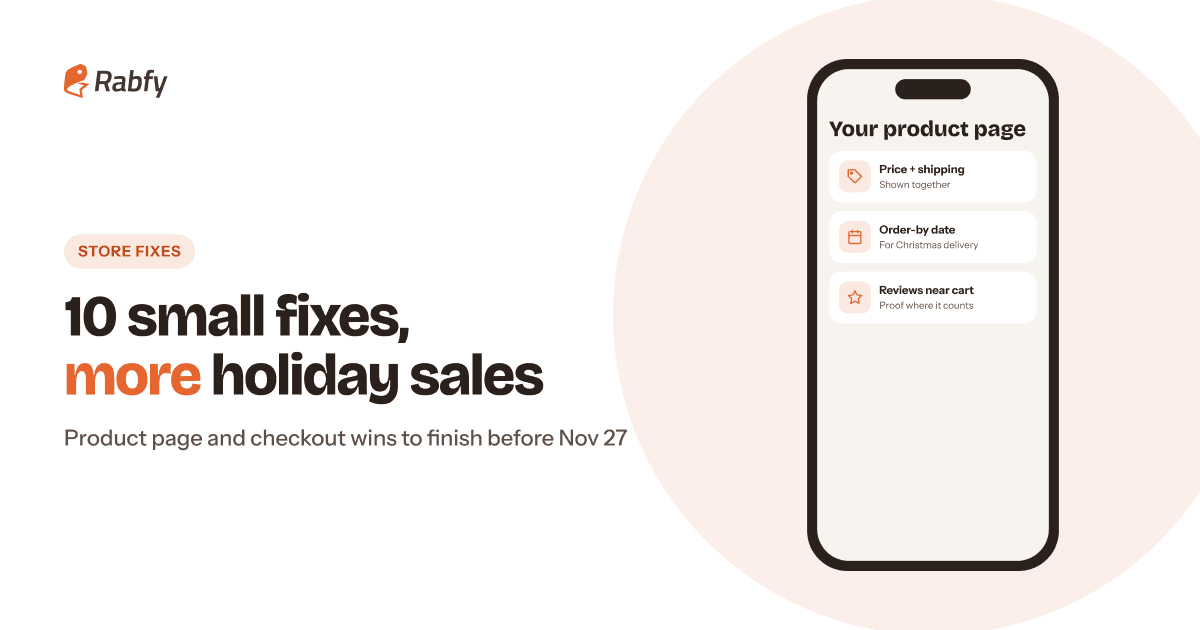
Extra costs are the top reason shoppers leave checkout. Put the shipping cost, or your free shipping threshold, right next to the price. A short line such as "Shipping: $5.99 in the US, tracked" (use your own numbers) removes the surprise at the last step.
3. Add an order-by date for Christmas
Slow delivery is the second biggest reason. Holiday shoppers do not want to guess. Add a clear line near the Add to cart button: "Order by [date] for Christmas delivery in the US." To set the date, start from the carrier's mail-by date and work backward. USPS recommends mailing Ground Advantage by Dec 17, 2026 for the contiguous US. Rabfy's production time is 1–3 days, so set your date a few days before that. Our holiday shipping cutoff dates guide explains the full method.
4. Make personalization easy and safe
The personalization box is where many buyers hesitate. They wonder how it will look and whether they will make a mistake. Show a sample photo with a name, state the character limit and give an example format, such as "Emma". Clear instructions also reduce errors, which protects your reviews.

Trust fixes (5–6)
5. Move reviews and trust signals near Add to cart
Almost one in five shoppers in Baymard's survey left because they did not trust the site with their card details. Put your star rating and two or three recent reviews close to the Add to cart button, not at the bottom of the page. Show your accepted payment methods and a link to your policies near checkout.
6. Write a short, clear returns policy
An unsatisfactory returns policy was a reason for 13% of shoppers in the same survey. Personalized items are often final sale, and that is fine, but say it clearly and explain what happens if an item arrives damaged or wrong. Our guide to return policies for personalized products includes wording you can adapt.
Checkout fixes (7–9)
7. Allow guest checkout and express payment
18% of shoppers in Baymard's survey left because the site wanted them to create an account. Let people check out as guests and offer an account after the order. If your platform supports express payment options such as Shop Pay, Apple Pay or Google Pay, turn them on. They let mobile shoppers pay without typing a long form.
8. Remove extra fields and steps
A long or complicated checkout was a reason for 17% of shoppers. Remove fields you do not need, such as company name or a second phone number, and never ask for the same information twice. Every field is a small reason to stop.
9. Show the total cost before the last step
12% said they left because they could not see or calculate the total cost upfront. Show a shipping estimate in the cart, not only at the final step. If you offer free shipping over a threshold, show a message such as "You are $12 away from free shipping." If you ship to Canada, say so clearly and mention that orders are tracked, because buyers outside the US often worry more about delivery.
Marketplace fix (10)
10. Improve your listing title and first photo on Etsy and Amazon
On Etsy or Amazon, your listing is your product page, and you cannot change the checkout. That makes the title and first photo even more important. Put the product and the recipient first, keep the main photo clear at thumbnail size and answer delivery questions in the description. Our Etsy listing SEO tips cover titles, tags and photos in detail.

Test it yourself: the 20-minute phone test
The fastest way to find conversion problems is to buy from your own store on your phone. Adobe reported that mobile devices made up 57.5% of US online sales on Cyber Monday 2025, so your mobile store matters most during Cyber Week. These mobile checkout tips start with one honest test:

Then ask a friend to do the same test while you watch without helping. Every time they pause or ask a question, write it down. Those pauses are your conversion problems.
Measure before and after each fix
Before you change anything, write down three numbers from the last 14 days. Shopify, Etsy and Amazon all show versions of these numbers in their analytics or stats pages:
 Sessions: how many visits your store or listing received.
- Add-to-cart rate: the share of visits where someone added a product to the cart. A low number points to the product page.
- Conversion rate: the share of visits that ended in an order. A big gap between add-to-cart and orders points to the checkout.
Make one or two fixes at a time and note the date in a simple spreadsheet. Holiday traffic changes quickly, so compare similar days. Compare this Tuesday with last Tuesday, not a normal Tuesday with Black Friday.
Make sure fulfillment keeps your promises
Conversion fixes make promises: an order-by date, a preview, a card in the box. Your fulfillment has to keep those promises, or the sale turns into a refund and a bad review.
Selling jewelry? Our print-on-demand jewelry guide covers products, pricing and photos. If you are still working toward steady sales, read how to get your first 10 sales on Shopify.
Frequently asked questions
What is a good ecommerce conversion rate?
It depends on your products, prices, traffic sources and devices, so compare your store with itself, not with a general average. Track your rate every week and improve it step by step.
How can I increase ecommerce conversion rate quickly?
Show shipping costs next to the price, add an order-by date, move reviews near the Add to cart button, allow guest checkout and test your store on your phone. These fixes take minutes, not weeks.
Why do shoppers abandon their carts?
In Baymard Institute's research, the top reason was extra costs that were too high, such as shipping, tax and fees. Slow delivery, trust concerns, forced account creation and long checkouts were also common.
Should I redesign my store before Black Friday?
No. Big changes in November can break things at the worst time. Make small, tested fixes now and save the redesign for January.
Do these fixes work on Etsy and Amazon?
Partly. You cannot change the checkout on a marketplace, but you can improve your photos, title, description, personalization instructions and delivery information.
Fix your store, then let Rabfy ship it
Rabfy produces, packs and ships your orders with tracking, so your holiday promises hold up. Free to start, no subscription, and you pay only when you get an order.
Start selling free